ZIMRA-Compliant POS Systems in Zimbabwe
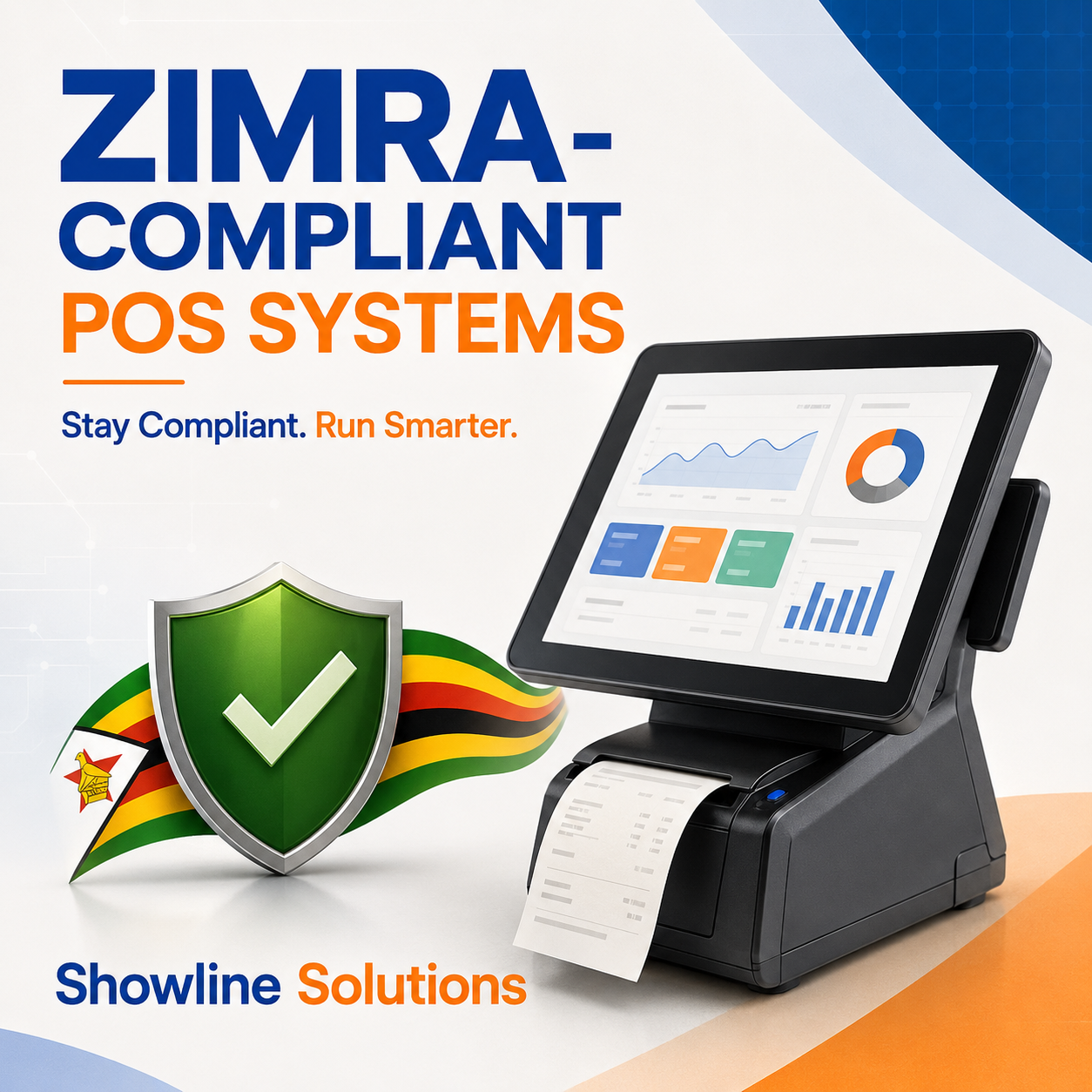
ZIMRA-Compliant
Running a business in Zimbabwe requires more than simply recording sales and printing receipts. For VAT-registered operators, the point-of-sale system must also support ZIMRA fiscalisation requirements.
A ZIMRA-compliant POS system in Zimbabwe helps a business record transactions correctly, issue valid fiscal receipts or tax invoices, and transmit the required sales information to the Fiscalisation Data Management System (FDMS).
Whether you operate a retail shop, supermarket, pharmacy, hardware store, restaurant or multi-branch business, choosing the right POS solution can make compliance easier while improving control over your daily operations.
Showline Solutions provides reliable POS systems designed to help Zimbabwean businesses manage sales, stock, cashiers, customers and business reports from one central platform.
What Is a ZIMRA-Compliant POS System?
A ZIMRA-compliant POS system is a point-of-sale solution that works with an approved fiscal device or authorised virtual fiscalisation method to record and transmit sales information to the relevant tax platform.
Fiscalisation involves using approved fiscal devices to record taxable transactions and interface with ZIMRA servers. This can be achieved through physical fiscal equipment or compatible POS software connected to the FDMS.
A compliant setup may include:
A POS system connected to an approved fiscal printer
An electronic fiscal register
A virtual fiscal device
A direct interface between the POS or accounting system and ZIMRA
Properly configured tax rates and product classifications
Fiscal receipts containing the required transaction information
Businesses should understand that ordinary receipt printing does not automatically make a POS system compliant. The software and fiscal device must be correctly configured, tested and connected to the appropriate fiscalisation platform.
Showline Solutions can help a business assess its POS requirements and identify a solution suited to its sales volume, products, branches and reporting needs.
Which Businesses Need Fiscalisation?
According to ZIMRA, VAT-registered operators in the applicable categories are required to fiscalise their taxable transactions and interface their fiscal devices or systems with the revenue authority.
This means that if your business is registered for VAT, you may be required to:
Record taxable sales through an approved fiscal solution
Issue fiscal receipts or fiscal tax invoices
Transmit transaction information to the FDMS
Apply the correct VAT classifications and tax rates
Maintain the required fiscal records
Ensure every active point of sale is properly configured
Fiscalisation requirements may change as tax legislation and electronic systems are updated. Businesses should therefore confirm their exact obligations directly with ZIMRA or a qualified tax professional.
Showline Solutions can assist with the POS software, system configuration, implementation and user training required to support your business operations.
What Should a Valid Fiscal Tax Invoice Contain?
A proper fiscal tax invoice should clearly display all the required information. Depending on the transaction and customer, this may include:
The words “Fiscal Tax Invoice” in a prominent position
The supplier’s name and address
The supplier’s TIN, VAT number and relevant registration details
The customer’s details where required
A unique and serialised invoice number
The date of the transaction
A clear description of the goods or services
The quantity or volume supplied
The currency used for the transaction
The value of the supply
The applicable VAT rate and tax amount
A verifiable QR code or authentication code
The information printed on the fiscal document should correspond with the information transmitted to the ZIMRA FDMS.
Customers and businesses can validate qualifying fiscal documents by scanning the QR code or entering the verification information on the official FDMS validation portal.
Key Features of a Good ZIMRA-Compliant POS System
Fiscalisation is important, but a good POS system should also help you manage the rest of your business. Showline Solutions recommends considering the following features before choosing a system.
1. FDMS Compatibility
The system should support the required connection to the Fiscalisation Data Management System, either directly or through an approved fiscal device.
Before implementing the system, ask the provider to explain:
How transactions are transmitted
What happens when the internet connection is unavailable
How failed transmissions are identified and corrected
How fiscal-day opening and closing are managed
Whether invoices can be validated through the ZIMRA system
Showline Solutions can assess the technical and operational needs of your business before recommending an appropriate POS setup.
2. Correct Tax Configuration
Different goods and services may carry different VAT treatments. Your POS system should allow products and services to be configured using the correct tax rates and classifications.
Incorrect tax settings can result in inaccurate receipts, reporting problems and possible compliance issues. This is why proper system configuration and staff training are essential.
Showline Solutions assists businesses with product setup, tax configuration and employee training during POS implementation.
3. Inventory Management
An effective POS system should update stock automatically whenever a sale is completed. This helps your business:
Monitor available stock quantities
Identify fast- and slow-moving products
Reduce unexplained stock shortages
Set low-stock alerts
Improve purchasing decisions
Track stock movement
Manage inventory across multiple branches
With a Showline Solutions POS system, sales and stock records can work together, reducing the need to update separate books or spreadsheets manually.
4. Sales and Profit Reports
A POS system should provide more than a total-sales figure. Management should be able to review performance by product, cashier, branch, payment method and reporting period.
Useful reports may include:
Daily, weekly and monthly sales
Gross-profit estimates
Product-performance reports
Cashier activity
Discounts and voided transactions
Payment-method summaries
Stock movement reports
Branch performance
Customer account balances
Showline Solutions helps businesses select POS software that provides clearer information for operational and management decisions.
5. User
Newsletter
Latest Post