Restaurant POS Systems in Zimbabwe
POS System for Restaurants in Zimbabwe
Running a restaurant involves much more than taking orders and collecting payments. You need to coordinate waiters, kitchen staff, stock, tables, customer bills and management reports—all while providing fast and accurate service.
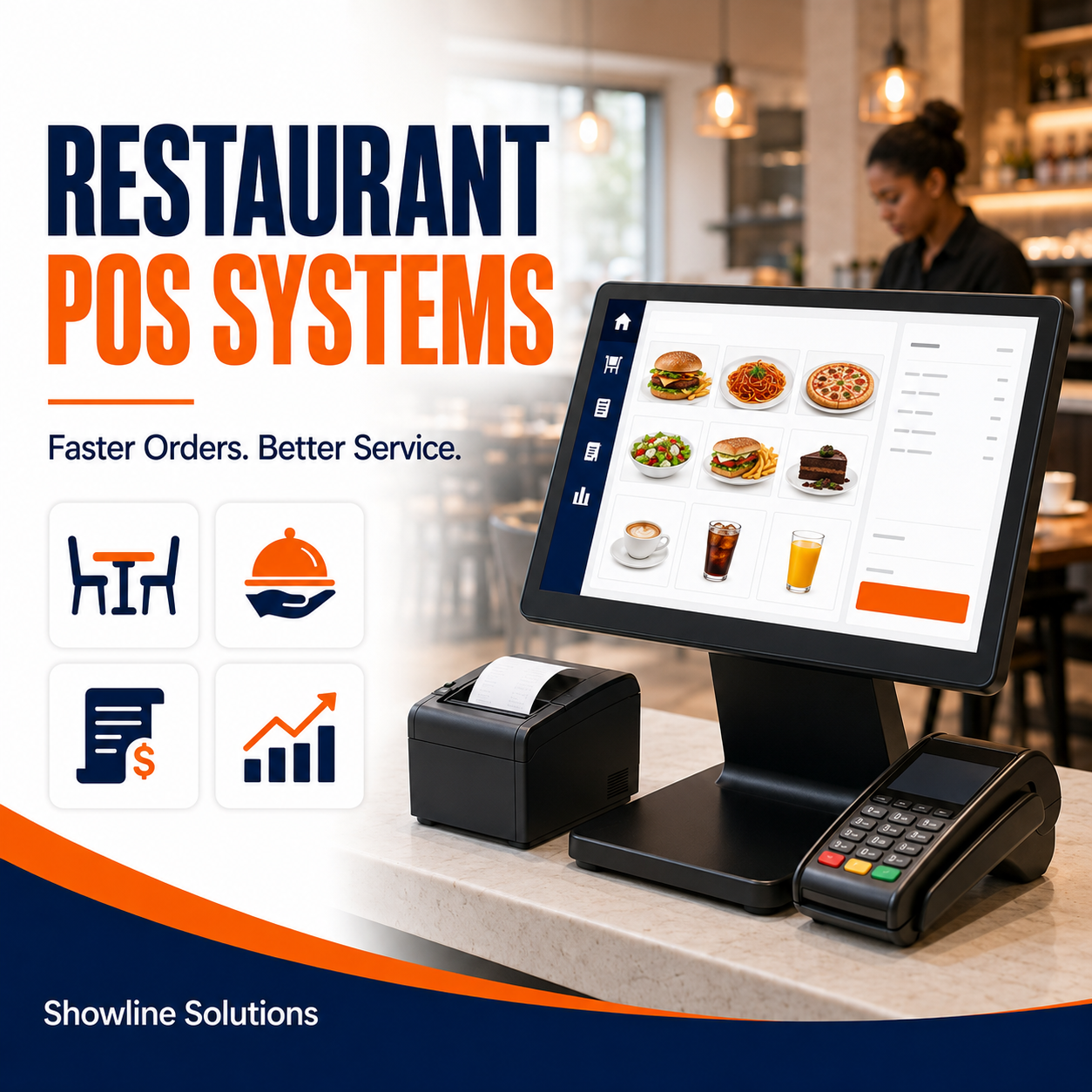
The right restaurant POS system in Zimbabwe can bring these operations together through one central platform. It can help your team process orders faster, reduce mistakes, monitor ingredients and give management a clearer view of daily business performance.
Showline Solutions provides restaurant POS solutions designed to help restaurants, cafés, takeaways, bars and other food-service businesses manage their operations more effectively.
What Is a Restaurant POS System?
A restaurant point-of-sale system is software used to record customer orders, calculate bills, process payments and produce sales reports. Unlike a basic cash register, a modern restaurant POS system can also help manage tables, kitchen orders, menu items, employees and stock.
When a waiter enters an order, the information can be sent directly to the kitchen or bar. This reduces handwritten tickets, shortens communication time and helps prevent orders from being forgotten or incorrectly prepared.
A suitable restaurant POS system in Zimbabwe should be easy for employees to use and flexible enough to match the restaurant’s actual workflow.
Why Restaurants Need a Specialised POS System
Restaurants operate differently from ordinary retail shops. A customer may order several items, request changes, move tables, split a bill or pay using more than one method.
A restaurant may also need to coordinate:
- Dine-in customers
- Takeaway orders
- Delivery orders
- Table reservations
- Kitchen preparation
- Bar orders
- Waiter activity
- Ingredient usage
- Customer accounts
- Multiple payment methods
Using handwritten order books or a basic till can make these activities difficult to control, particularly during busy periods.
Showline Solutions helps restaurants implement POS systems that connect order-taking, payment processing, kitchen communication and business reporting.
Essential Features of a Restaurant POS System
Before buying a POS system, confirm that it provides the features your restaurant genuinely needs.
1. Fast and Simple Order Entry
Employees should be able to find menu items and enter orders quickly. The system should have clear categories for meals, drinks, side dishes and other products.
A complicated system can slow down service and frustrate employees. Showline Solutions can configure the menu layout to make commonly ordered items easier to access.
2. Table Management
For dine-in restaurants, the POS system should display available and occupied tables. Waiters should be able to open a table, add items during the customer’s visit and close it after payment.
Good table management helps employees:
- See which tables are occupied
- Review active orders
- Add items to an existing bill
- Move customers to another table
- Combine or separate bills
- Monitor how long tables have been open
When selecting a restaurant POS system in Zimbabwe, ensure its table-management features suit the size and layout of your establishment.
3. Kitchen Order Management
Clear communication between waiters and kitchen employees is essential. A POS system can send orders directly to a kitchen printer or kitchen display after they are confirmed.
This can help reduce:
- Lost handwritten orders
- Incorrect meal preparation
- Delays between order placement and preparation
- Confusion over special customer requests
- Disputes about when an order was submitted
Showline Solutions can help configure the system so food orders go to the kitchen while beverage orders are directed to the appropriate bar or service station.
4. Menu and Price Management
Restaurants regularly introduce new meals, change prices or remove unavailable items. The POS system should make menu updates easy to control.
Management should be able to:
- Add new menu items
- Organise products into categories
- Change selling prices
- Create meal combinations
- Apply discounts
- Mark items as unavailable
- Set different prices where necessary
- Review menu-item performance
Showline Solutions can assist with the initial menu setup and system configuration before the restaurant starts using the software.
5. Order Modifiers and Special Requests
Customers may request meals without certain ingredients or ask for extras. The system should allow the waiter to record these requests clearly.
Examples include:
- No onions
- Extra cheese
- Well-done steak
- No sugar
- Additional sauce
- Large portion
- Substitute side dish
These instructions should appear clearly on the kitchen order to reduce mistakes and improve customer satisfaction.
6. Split Bills and Multiple Payments
Customers may want to divide a bill between several people or use different payment methods.
A suitable POS solution should allow employees to:
- Split the bill by item
- Divide the total equally
- Accept more than one payment method
- Transfer selected items to another bill
- Record partial payments where permitted
This feature is particularly useful for restaurants serving groups, families and corporate customers.
7. Waiter Accounts and User Permissions
Each waiter or cashier should have an individual account. This makes it possible to track who entered an order, issued a discount, cancelled an item or processed payment.
Management can restrict sensitive functions such as:
- Changing selling prices
- Cancelling completed transactions
- Issuing refunds
- Applying discounts
- Viewing financial reports
- Editing stock
- Creating new user accounts
Showline Solutions can configure user permissions according to the roles and responsibilities of your employees.
8. Inventory and Ingredient Control
Food and beverage stock can be difficult to manage because several ingredients may be used to produce one menu item.
A restaurant POS system may help track:
- Finished products
- Beverages
- Ingredients
- Packaging materials
- Reorder levels
- Stock movement
- Stock adjustments
- Waste and spoilage
For example, selling a particular meal could reduce the recorded quantities of meat, vegetables or other ingredients used to prepare it, depending on how the system is configured.
When comparing a restaurant POS system in Zimbabwe, ask how its stock features work and whether they match the level of control your restaurant requires.
9. Sales and Management Reports
A good POS system should give management useful information without requiring employees to prepare every report manually.
Useful reports may include:
- Daily, weekly and monthly sales
- Sales by menu item
- Sales by category
- Sales by waiter
- Sales by payment method
- Discounts and complimentary items
- Voided or cancelled orders
- Busy sales periods
- Table performance
- Estimated profit
- Stock movement
Showline Solutions can help management identify which reports are most useful and configure the system accordingly.
10. Multi-Currency and Payment Support
Restaurants in Zimbabwe may accept different currencies and payment methods. The POS system should accurately record the currency and method used for every payment.
Depending on your business, payment options may include:
- Cash
- Bank cards
- Mobile money
- Bank transfers
- Customer accounts
- Delivery-platform payments
Accurate payment recording makes it easier to balance cashier collections at the end of a shift.
11. Customer and Loyalty Management
Some restaurants may want to record customer details, offer loyalty rewards or review purchase histories.
These features can support:
- Loyalty programmes
- Customer discounts
- Birthday offers
- Repeat-customer promotions
- Customer account management
- Targeted marketing
However, restaurants should only collect the customer information they genuinely need and should protect it appropriately.
12. Multi-Branch Management
If your restaurant operates from more than one location, consider a system that allows management to monitor multiple branches.
A multi-branch system may allow you to:
- Compare branch sales
- Monitor stock by location
- Control menus and prices
- Review employee activity
- Consolidate management reports
- Transfer stock between branches
Showline Solutions can assess your branch structure and recommend a POS setup that supports centralised management.
Hardware Needed for a Restaurant POS System
The required hardware will depend on your restaurant’s size and service model.
A typical setup may include:
- Desktop computer or touchscreen POS terminal
- Receipt printer
- Kitchen printer
- Cash drawer
- Barcode scanner where required
- Customer display
- Network equipment
- Backup power solution
- Fiscal device where applicable
A small takeaway may need only one sales station, while a large restaurant may require several waiter terminals, kitchen printers and dedicated cashier points.
Showline Solutions can help you determine the appropriate hardware instead of purchasing unnecessary equipment.
Can a Restaurant POS System Work During Load-Shedding?
Power interruptions are an important consideration for Zimbabwean restaurants. Your setup should include a suitable backup-power option to keep essential POS equipment running.
Depending on the hardware, this may include:
- Uninterruptible power supplies
- Inverters
- Solar backup
- Battery-powered devices
- Laptop-based POS terminals
- Alternative network arrangements
You should also ask what happens when the internet connection is unavailable. Some system functions may continue locally, while online services and transaction transmission may require the connection to be restored.
When buying a restaurant POS system in Zimbabwe, discuss power and connectivity conditions with the provider before installation.
Fiscalisation and Restaurant POS Systems
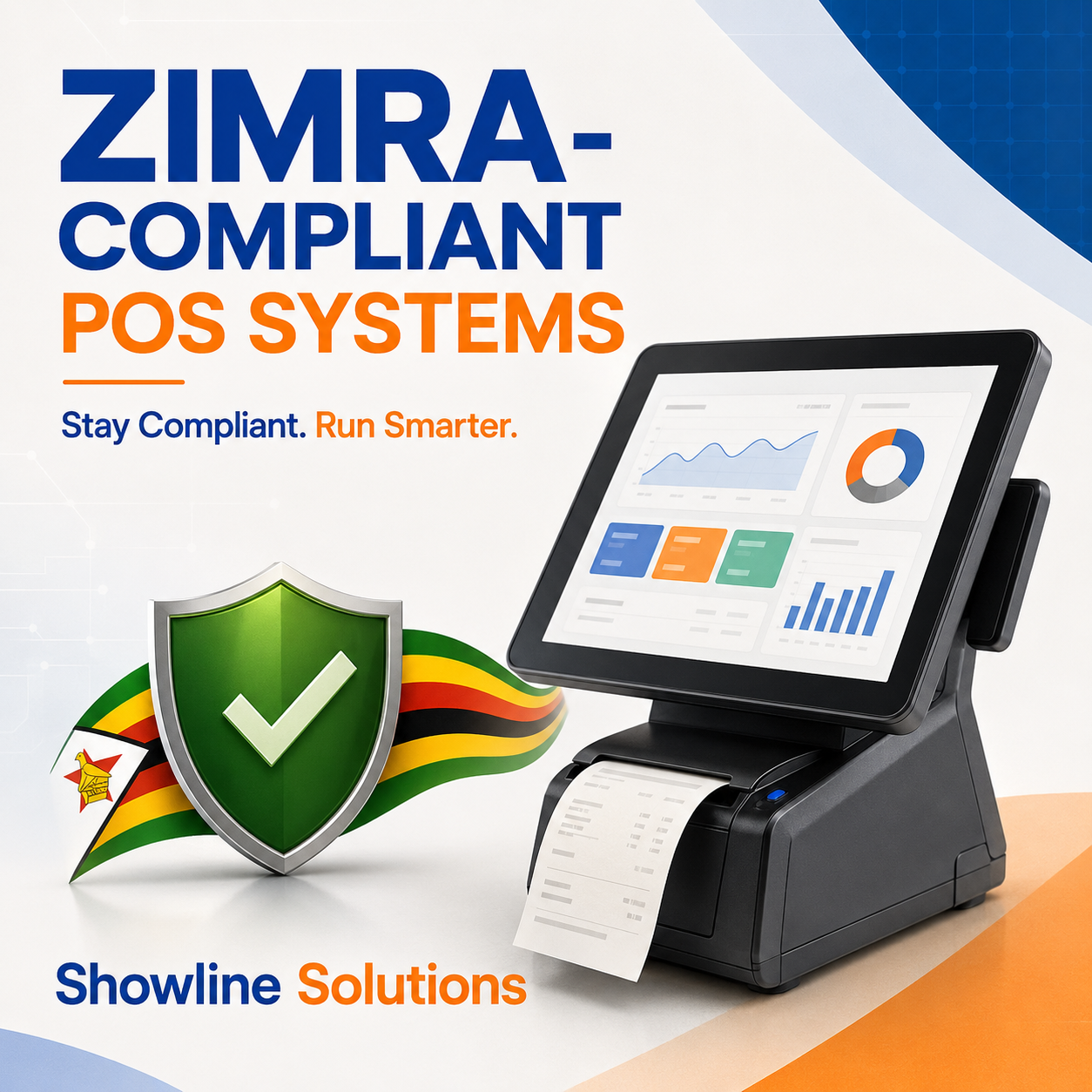
VAT-registered restaurants may need to fiscalise their taxable transactions and issue the required fiscal receipts or tax invoices.
An ordinary receipt printer does not automatically make a POS system fiscally compliant. The setup may require approved fiscal hardware or compatible virtual fiscalisation software connected to the relevant platform.
Before implementation, confirm:
- Whether your restaurant is required to fiscalise
- What type of fiscal solution is appropriate
- Whether every sales point is correctly configured
- Whether the correct tax rates are applied
- Whether transactions are transmitted successfully
- Whether receipts contain the required information
Showline Solutions can help you understand the POS and technical requirements for your restaurant. Always confirm current tax obligations with ZIMRA or a qualified tax professional.
How Much Does a Restaurant POS System Cost?
The cost of a restaurant POS system depends on the size and complexity of the setup.
Pricing may be affected by:
- Number of tills or terminals
- Number of waiters and users
- Required POS hardware
- Kitchen printers or displays
- Stock-management requirements
- Number of branches
- Fiscalisation requirements
- Installation and configuration
- Staff training
- Software licensing
- Support and maintenance
The cheapest system is not always the most affordable over time. A system that does not suit the restaurant may cause delays, reporting problems and additional replacement costs.
Showline Solutions assesses the restaurant’s requirements before recommending a setup, helping the business invest in the functions and equipment it actually needs.
Questions to Ask Before Buying
Before selecting a provider, ask:
- Is the system designed for restaurants?
- Can it manage tables and open orders?
- Can waiters add special customer requests?
- Can orders be sent directly to the kitchen or bar?
- Does it support split bills?
- Can each employee have an individual account?
- Does it track ingredients and finished products?
- Which sales and stock reports are included?
- Does it support multiple currencies and payment methods?
- Can it manage multiple branches?
- What happens during a power or internet outage?
- Can it support applicable fiscalisation requirements?
- Are installation and employee training included?
- Is technical support available after installation?
These questions will help you compare different restaurant POS solutions based on operational value rather than price alone.
Why Choose Showline Solutions?
Showline Solutions provides restaurant POS solutions supported by installation, configuration, training and ongoing technical assistance.
We help businesses improve control over:
- Customer orders
- Tables and bills
- Kitchen communication
- Cashier and waiter activity
- Food and beverage stock
- Payment methods
- Sales reporting
- Multiple branches
Our team takes time to understand how your restaurant operates before recommending hardware and software. The aim is to provide a practical solution that supports your employees during busy service periods and gives management access to clearer business information.
Get a Restaurant POS System from Showline Solutions
The best restaurant POS system in Zimbabwe should help your restaurant serve customers faster, reduce order errors, control stock and understand daily performance.
Whether you operate a café, takeaway, fast-food outlet, bar, hotel restaurant or full-service establishment, Showline Solutions can help you select and implement a POS system suited to your operations.
Contact Showline Solutions today for a restaurant POS consultation, system installation, staff training and ongoing support.
Newsletter
Latest Post